A Craftsman opener that stops working usually has one of a few problems: a dead remote battery, safety sensors that are dirty or knocked out of line, a tripped breaker, or the lock feature switched on by accident. Those take minutes to fix. Stripped gears on an old chain-drive unit take more work, and springs or the wiring inside the motor head should be left to a technician.
Most Craftsman openers were built by Chamberlain, the company behind LiftMaster, so the sensors, Learn button and diagnostic codes behave much the same. Our LiftMaster troubleshooting guide goes deeper on a few shared steps.
What is your opener doing?
| Symptom | Most likely cause |
|---|---|
| Nothing happens from remote or wall button | Power, tripped breaker or GFCI |
| Wall button works, remote doesn't | Dead battery, lock mode, or lost pairing |
| Door starts down, then goes back up | Safety sensors |
| Motor hums or runs, door stays put | Released trolley or stripped gears |
| Light on the motor unit keeps flashing | Diagnostic code (see below) |
| Loud slapping or rattling | Loose chain or worn belt |
Opener won't respond at all
Plug a lamp or phone charger into the ceiling outlet the opener uses. If it's dead, check the breaker panel and any GFCI outlets in the garage.
If the outlet has power, unplug the opener for about a minute to reset the logic board. If the light on the wall button is dark too, the trouble is electrical: the board, the transformer, or the wire to the button. If it died the night a Houston storm came through, a surge may have killed the board.
Door reverses or won't close
On a Craftsman this is nearly always the safety sensors, the two small eyes near the floor on each side of the door.
- Wipe both lenses with a dry cloth. Spider webs are the usual culprit.
- Clear anything near the bottom of the tracks.
- Check the light on each sensor. Both should glow steady; off or flickering means the beam isn't connecting.
- Loosen the wing nut on the flickering sensor, aim it at the other one until its light holds steady, and tighten it.
See how to align garage door sensors for the full walkthrough. If the lights are steady and the door still turns around halfway down, disconnect the opener with the door closed and lift it by hand. A door that drags will trip the reversing system no matter how good the sensors are, and that calls for a repair visit, not a force adjustment.
Remote control isn't working
Put in a new battery first. Most Craftsman remotes use a CR2032 coin cell, though some older ones differ, so check the old battery before buying.
Then check lock mode. Many Craftsman wall controls have a lock button that blocks all remotes while the wall button keeps working, and it's easy to bump. If the wall control light is blinking, hold the lock button for a couple of seconds to turn it off.
Still nothing? Press and release the Learn button on the motor unit (holding it erases all your remotes), then press the remote button within 30 seconds until the opener light blinks. Craftsman Learn buttons follow largely the same color system as Chamberlain, so our remote programming guide applies.
LED bulbs in the opener's light socket can also jam the remote signal. If your range dropped right after switching to LEDs, that's likely why.
Understanding Craftsman error codes
Most Craftsman openers have a diagnostic LED next to the Learn button. It flashes a set number of times, pauses, and repeats. Count a few rounds.
Sensor faults show up as 1, 2 or 4 flashes. One means a sensor wire is cut, unplugged or loose. Two means the sensor wires are shorted or reversed at the motor unit. Four means the wiring is fine but the sensors are misaligned or blocked. You can usually clear these yourself.
Three flashes points to the wall control wire being shorted, often where a staple pinched it. Disconnect it at the motor unit; if the code stops, the wire or button is the problem.
Five or six flashes is the motor. Five usually means it overheated or isn't reading travel correctly, so give it 15 to 30 minutes to cool. Six means a motor circuit failure. If 5 keeps coming back, or you see 6, call a technician.
Meanings can shift a little by model year, so check the chart inside the light lens if your count doesn't fit.
Mechanical problems with older Craftsman openers
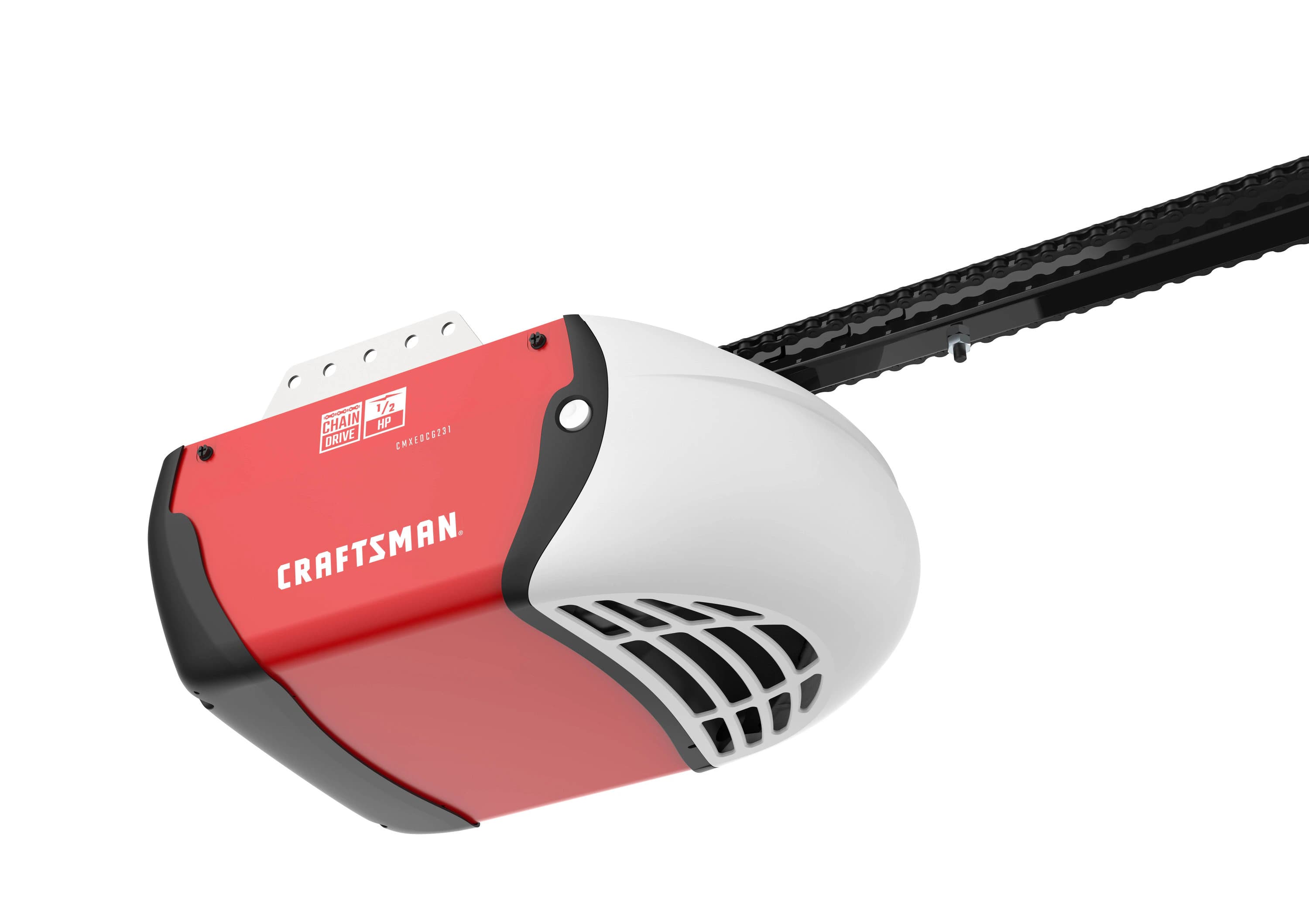
Plenty of Craftsman openers still in Houston garages are older 1/2 HP chain-drive models. They're tough, but the moving parts wear out.
Worn gears
First rule out the simple cause: if the red release cord was pulled, the motor runs without moving the door. With the door fully closed, run the opener and the trolley should latch back on.
If it's connected and you hear grinding while the chain sits still, the plastic drive gear inside the motor head has probably stripped. A heavy or poorly balanced door speeds that up. The gear can be replaced, but on a unit this old, ask how much life the rest has.
Chain or belt issues
A chain that sags well below the rail can jump the sprocket, and then the door won't move. Belts can crack or snap with age. Slapping or rattling during travel usually means a loose chain or a worn belt. If the chain is off the sprocket, have it reinstalled; a misrouted chain can damage the opener.
When to call a professional
Call if:
- The motor runs but the door won't move after you've reconnected the trolley and reset the opener
- You smell burning or see sparks from the motor head
- The door drops or slams shut, which usually means a broken spring or cable rather than an opener fault
- Error codes keep coming back after you've checked the wiring
Don't work on broken springs or the wiring inside the motor head.
Is your old Craftsman worth fixing?
When the gears or board give out on an opener well past a decade old, replacing it often beats paying for one repair after another. We repair most opener brands, Craftsman included, and we'll price both the repair and a new opener so you can choose. Installs typically run $350 to $800; our opener cost guide breaks that down. Call (713) 324-8950 or see our garage door opener service page.
Frequently Asked Questions
How do I reset my Craftsman garage door opener?
For a power reset, unplug the opener for about 60 seconds and plug it back in. To wipe remote programming, hold the Learn button for about 6 seconds until its light goes out, then pair your remotes and keypad again.
What does it mean when my Craftsman opener light blinks 4 times?
The sensors are wired fine but can't see each other. Clean both lenses, clear the area near the tracks, and adjust the sensors until the light on each holds steady.
Why does my Craftsman garage door open but won't close?
The opener thinks something is in the doorway. Nearly always that's a dirty or misaligned safety sensor, or an object in the beam.
Can LED light bulbs interfere with my Craftsman opener?
Yes. Some LED bulbs give off radio interference that weakens the remote signal. Use a bulb labeled garage door opener compatible, or put an incandescent back in the opener socket.
How long do Craftsman garage door openers last?
About 10 to 15 years with regular care, and some older chain-drive units go longer. If yours is past 12 years and needs frequent repairs, a new opener installation usually makes more sense.
Is it safe to manually open my garage door if the opener breaks?
Yes, if the door is fully closed when you pull the red emergency release cord. Never pull it with the door open, because the door can drop. Once released, lift the door by hand. If it feels extremely heavy or won't stay up, a spring is probably broken; leave it closed and call for spring repair.